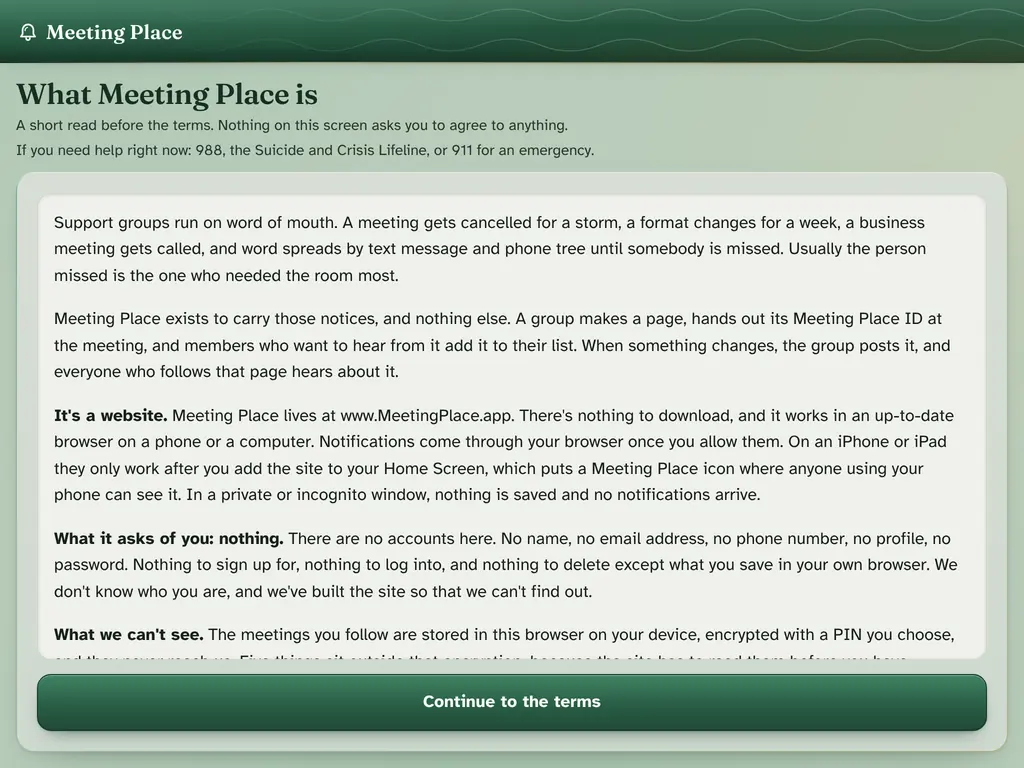
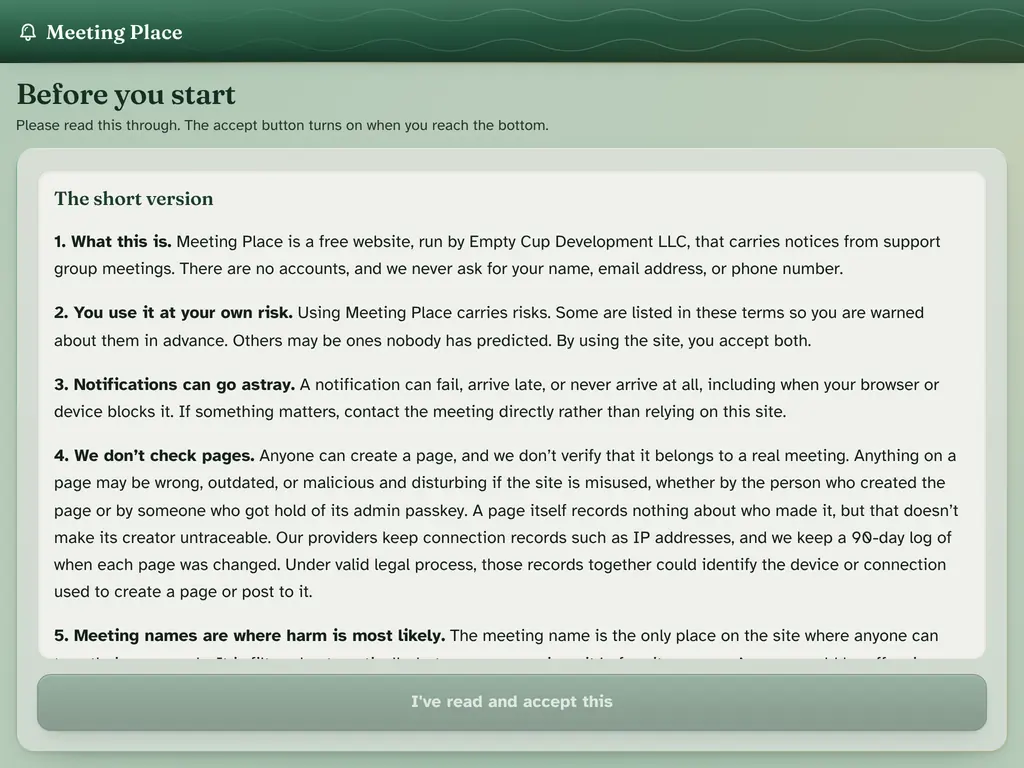
A page for each meeting
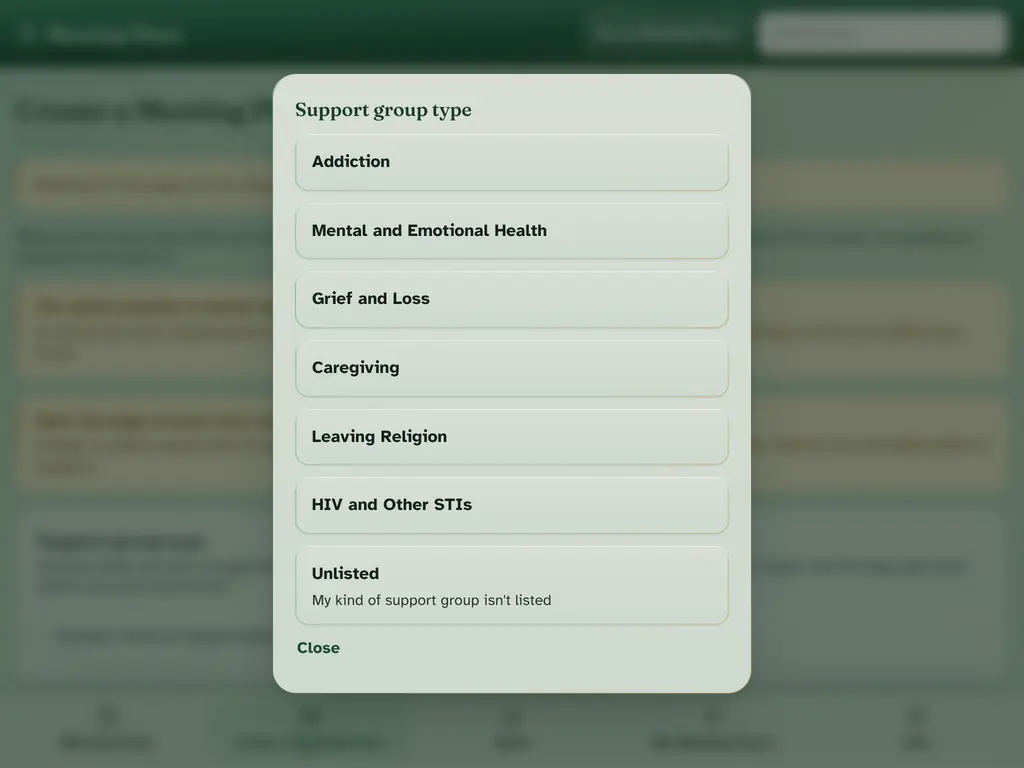
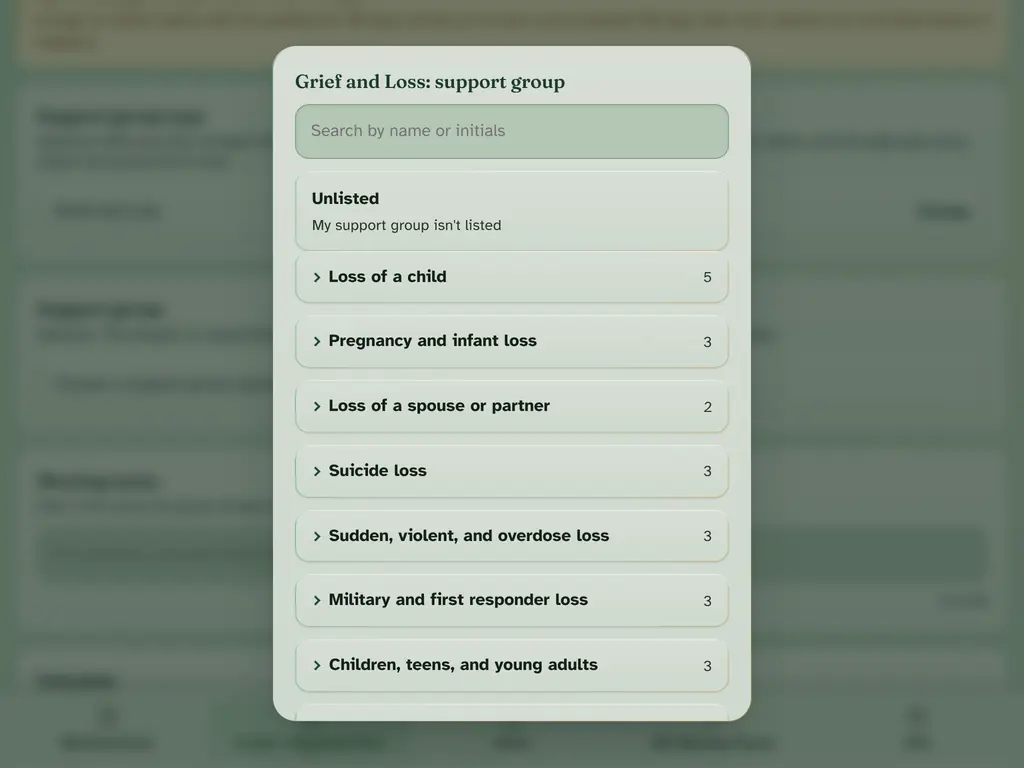
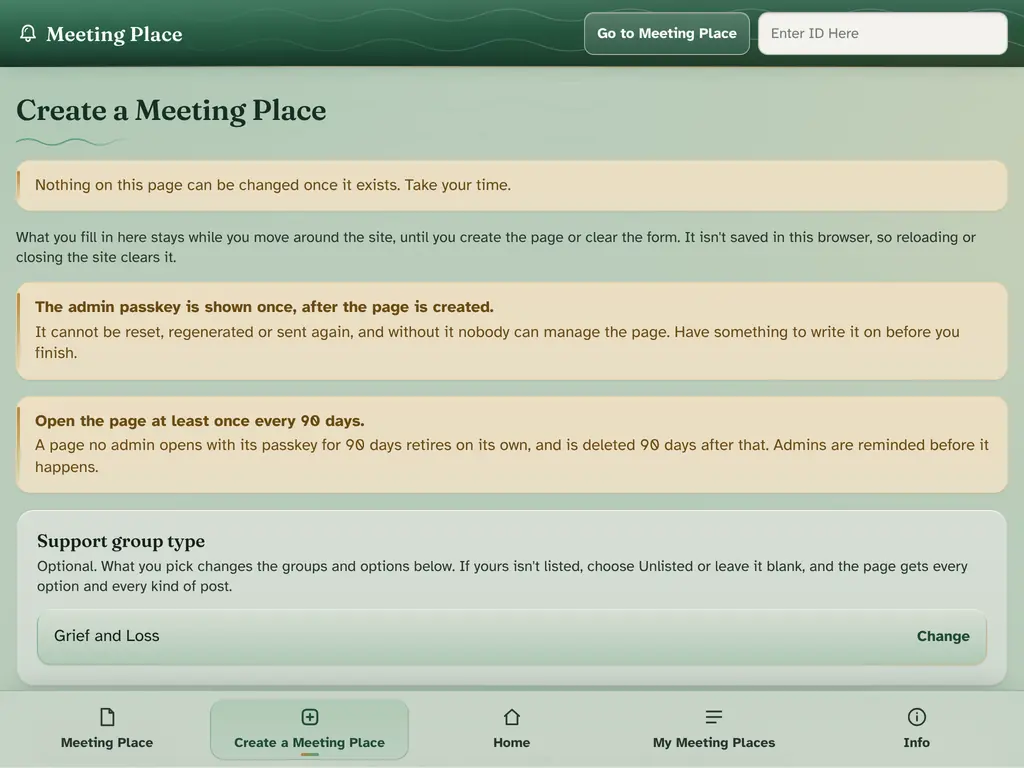
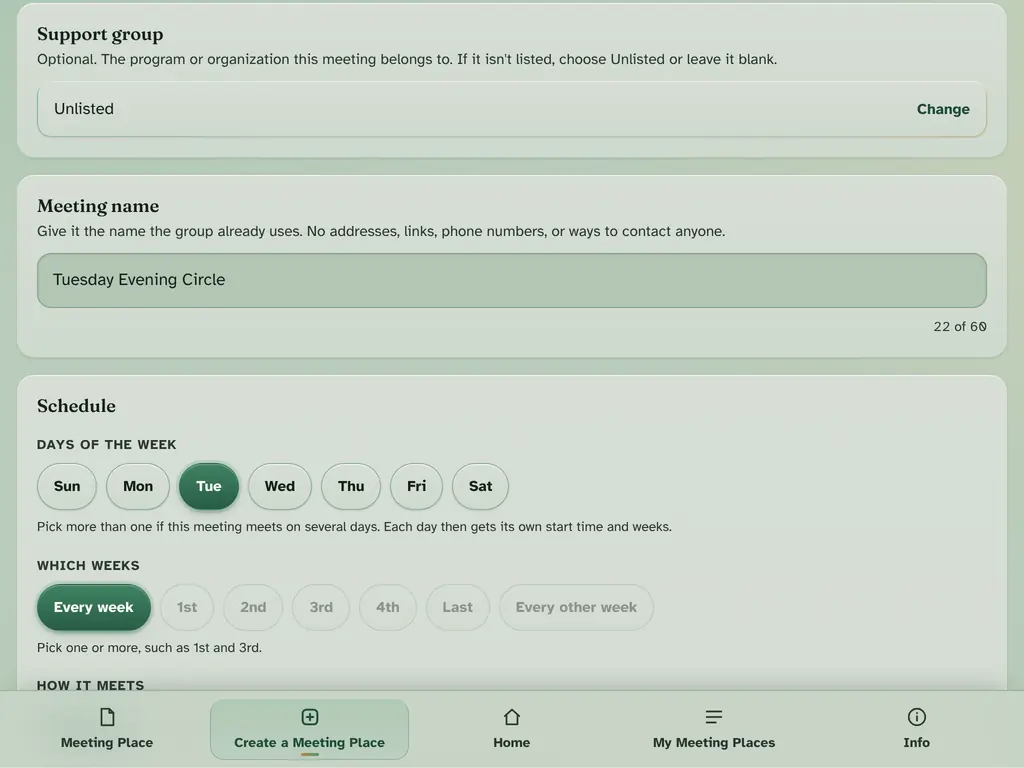
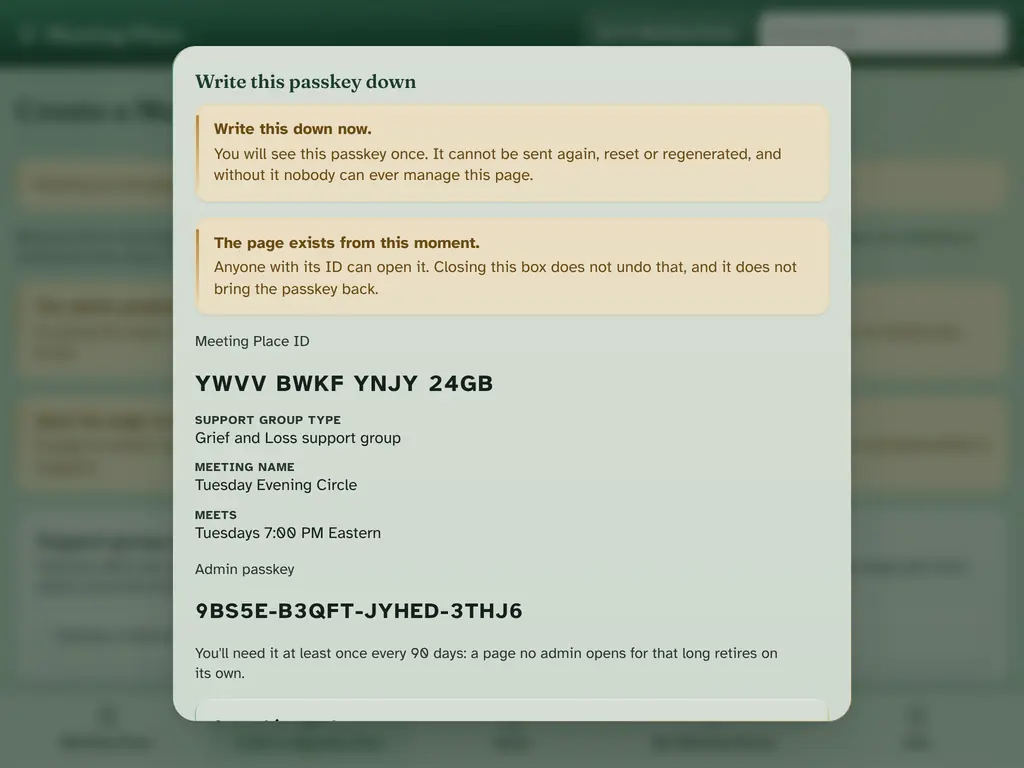
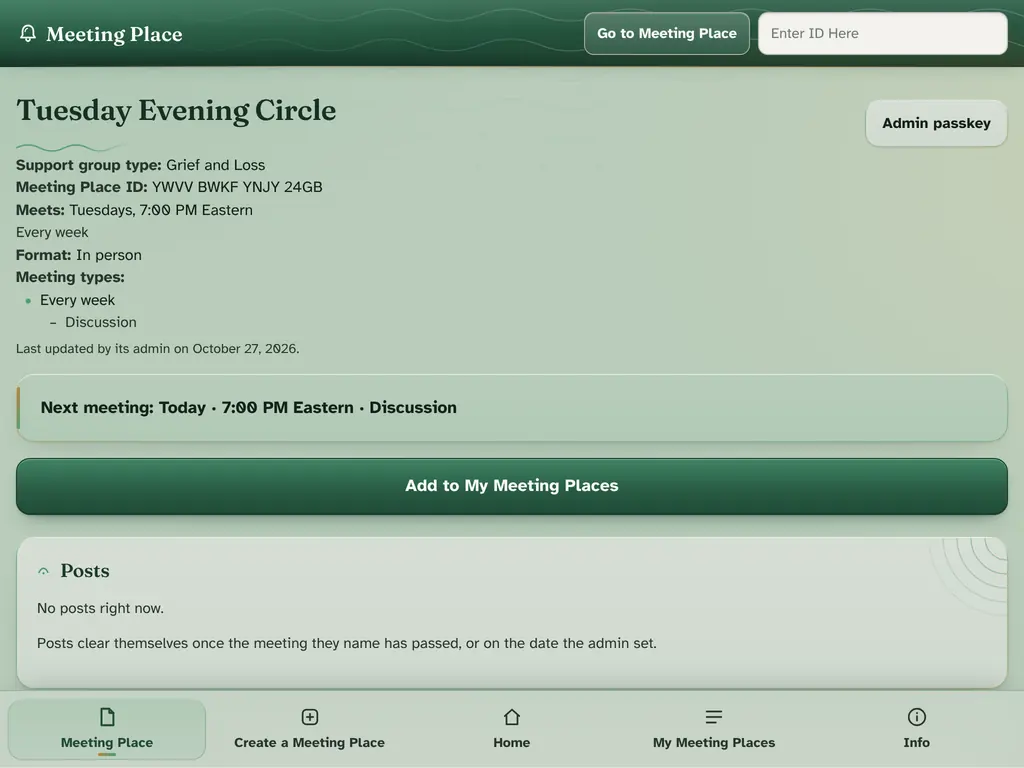
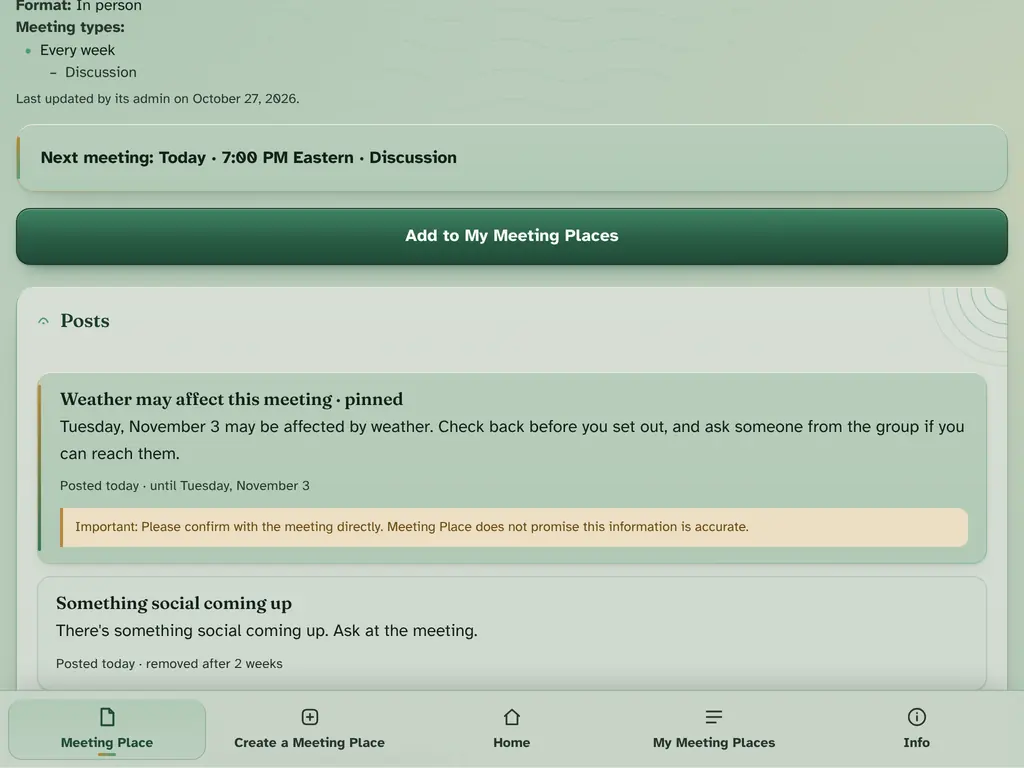
Whoever runs a meeting makes its page: the support group type, the meeting's name (3 to 60 characters, and the only free text on the page), its days and weeks, how it meets, meeting types, and details such as accessibility and cost.
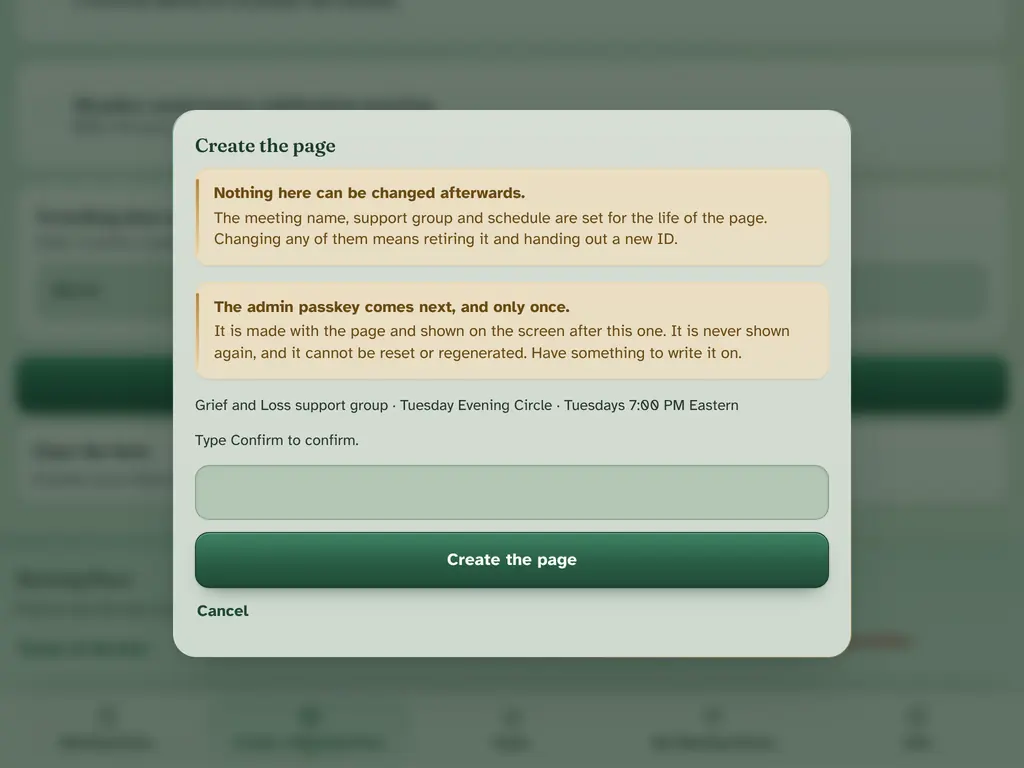
The name, group and schedule are fixed for the life of the page. If any of them changes, a new page is made.
A page retires on its own after 90 days without admin activity, that is, with no passkey entry and no post. Reminders come when 30, 15, 5 and 1 day remain.
Find a meeting by its ID
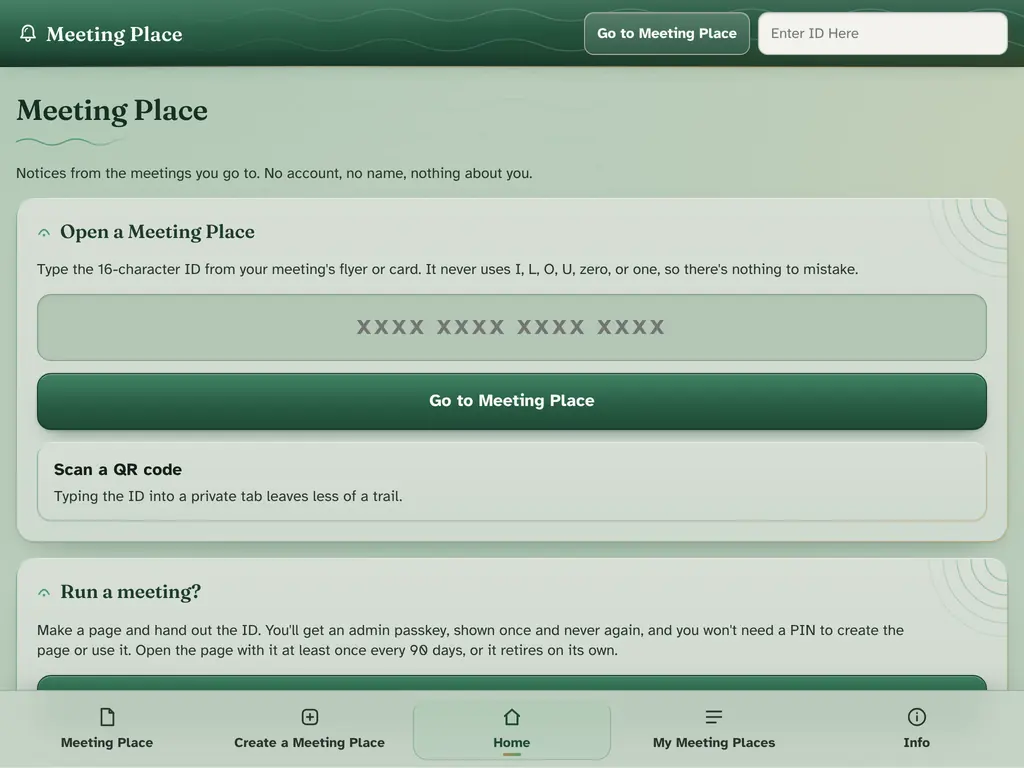
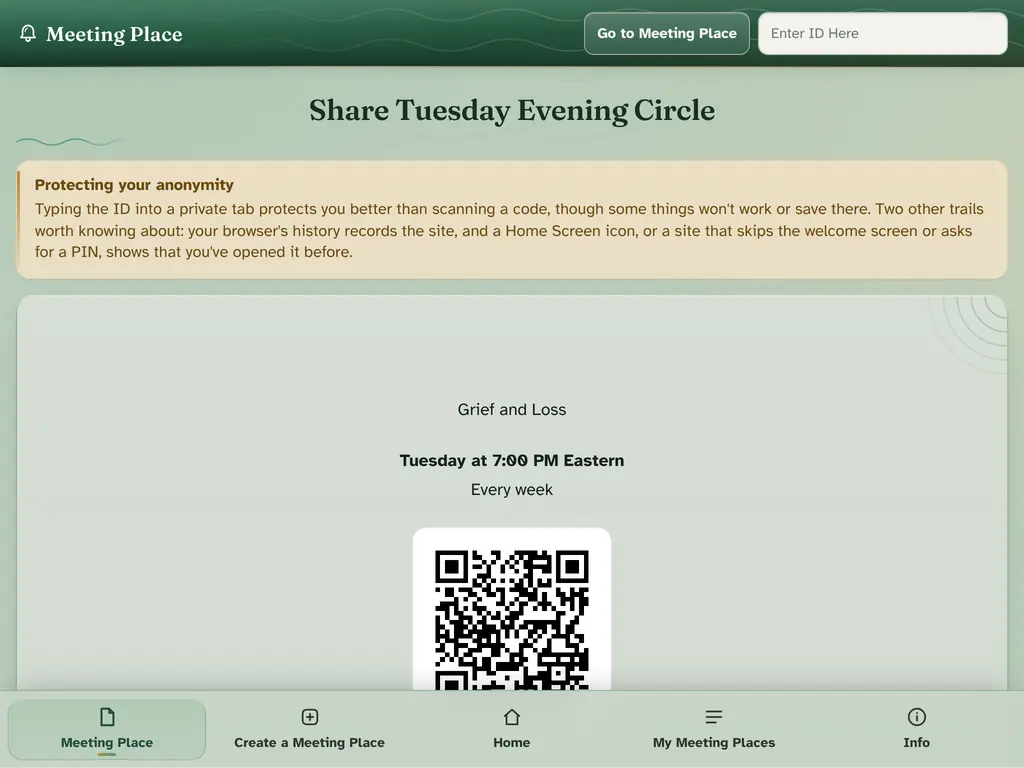
Every page has a 16-character Meeting Place ID that leaves out letters and numbers easily confused (I, L, O, U, 0 and 1). Type it in, or scan the meeting's QR code.
Notices with set wording
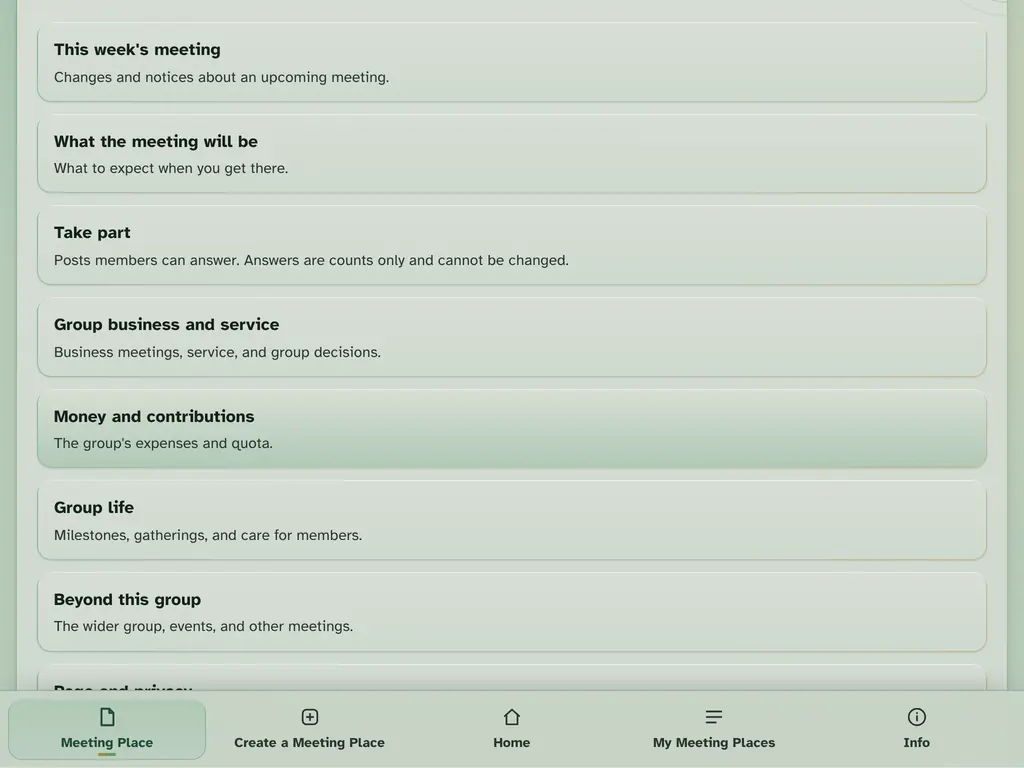
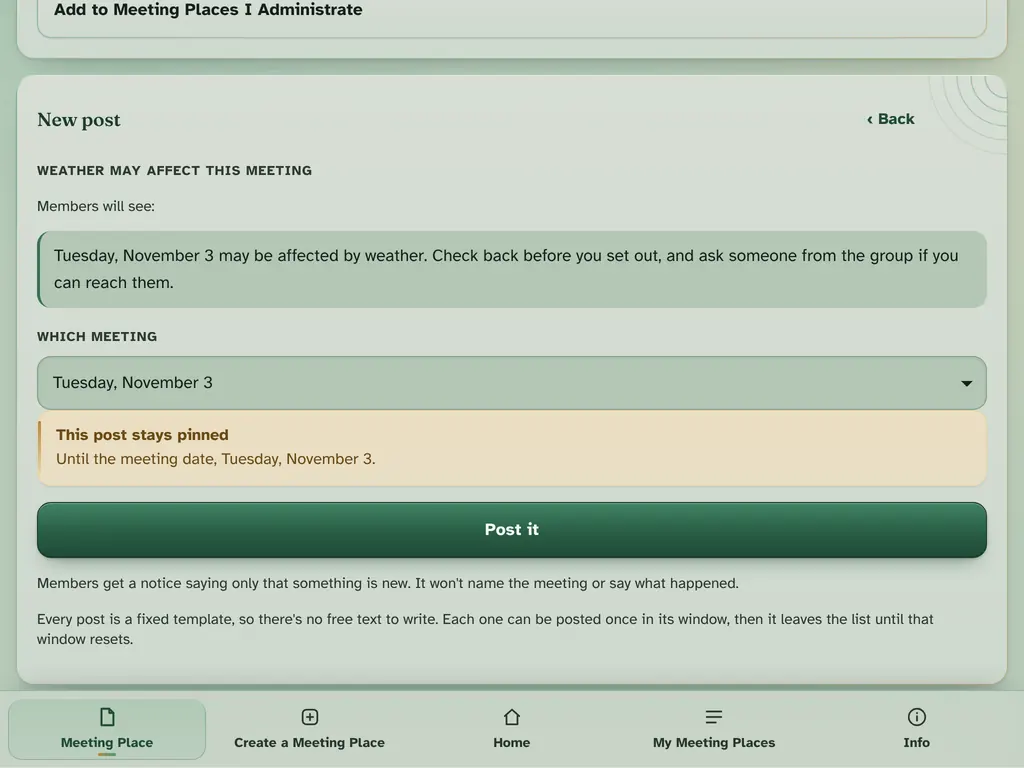
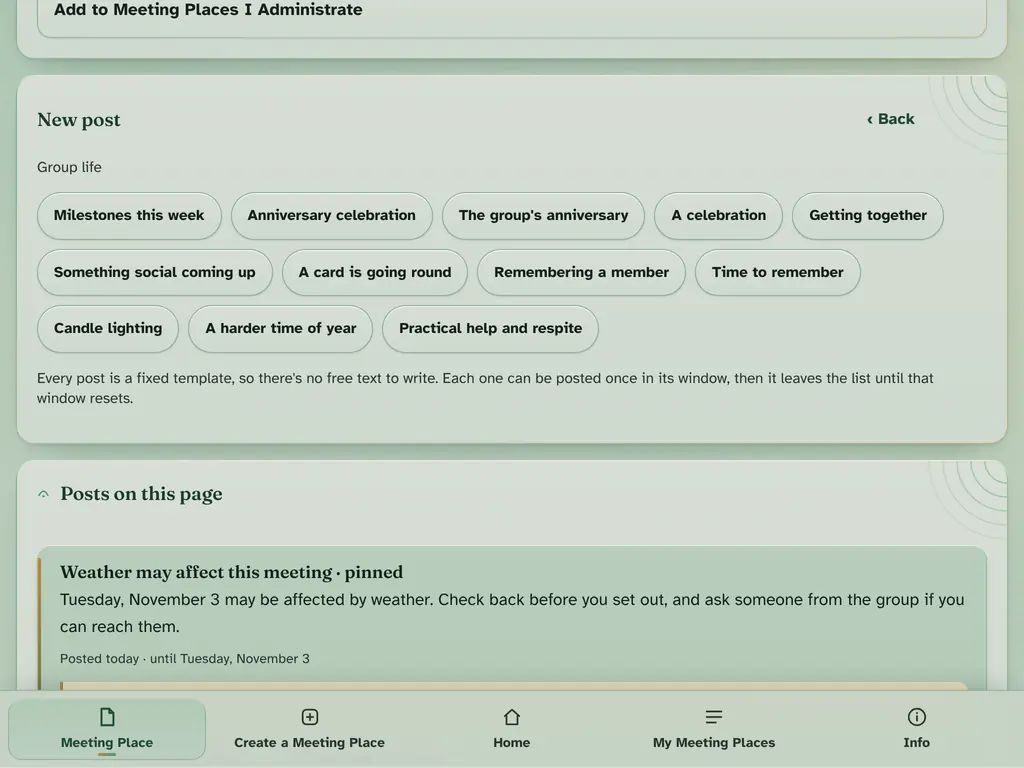
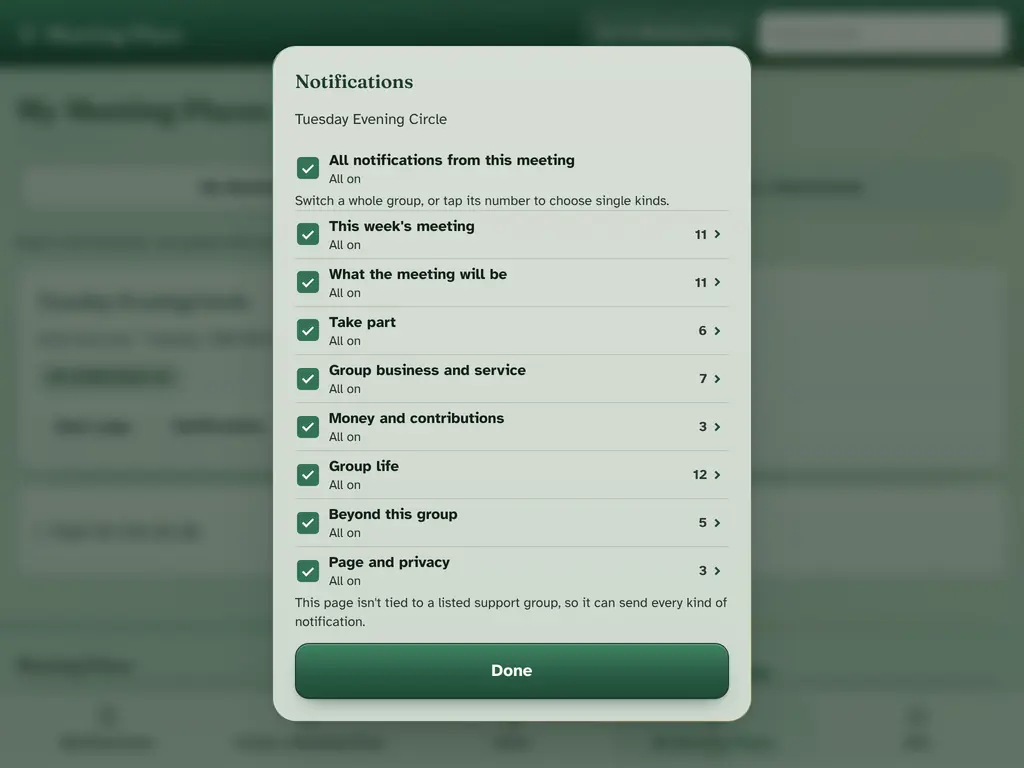
Admins post notices in eight categories: this week's meeting, what the meeting will be, take part, group business and service, money and contributions, group life, beyond this group, and page and privacy. Every notice uses fixed wording, so nothing personal can be written.
Some kinds of notice stay pinned at the top. Every notice ends on its own: one about a meeting or a date once that day has passed, and any other after the time the admin chooses, of at most a month.
Members can answer simple take-part questions, whose answers are shown only as counts.
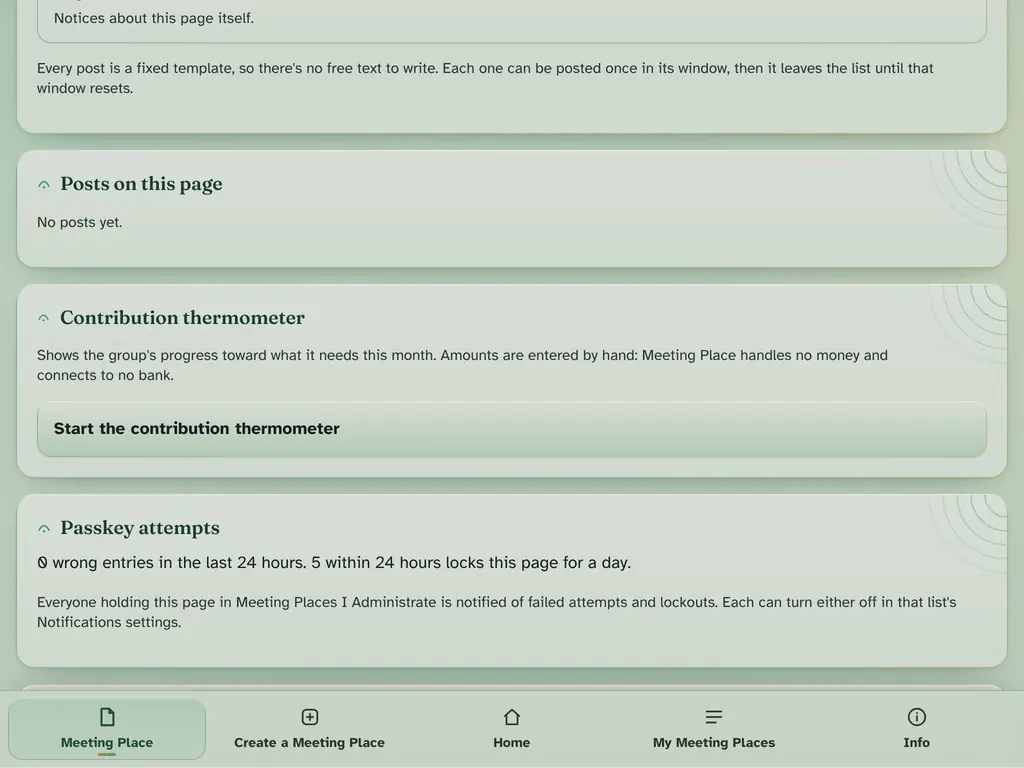
A contribution thermometer shows the group's progress toward what it needs. Amounts are entered by hand; Meeting Place handles no money.
The admin passkey
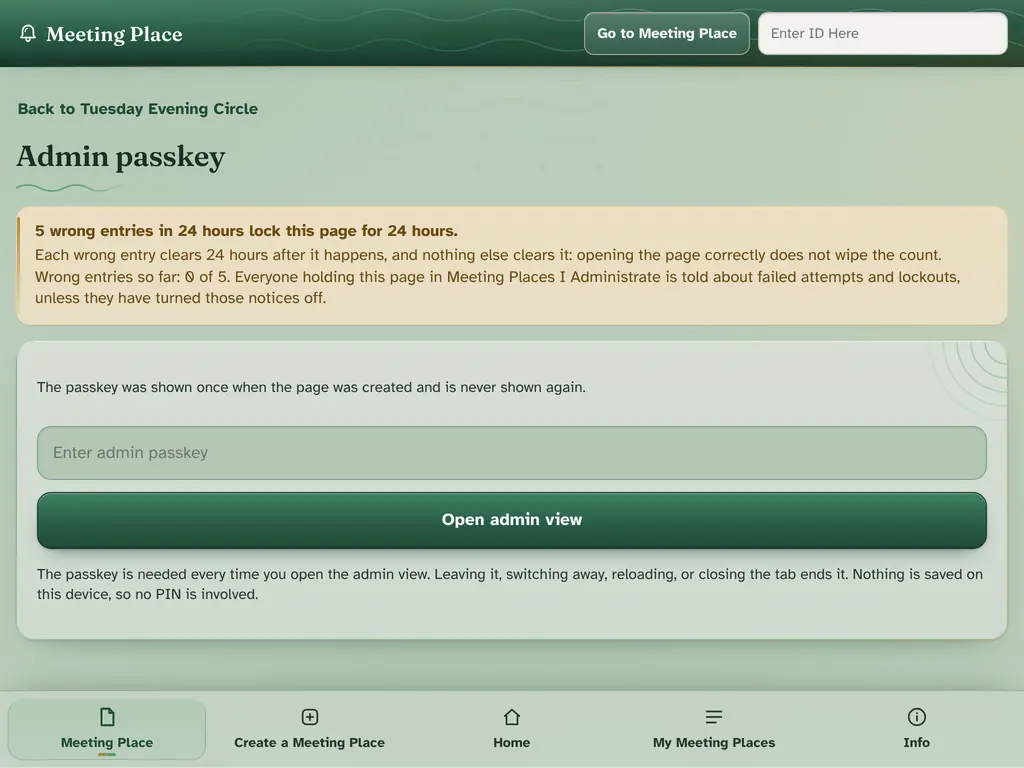
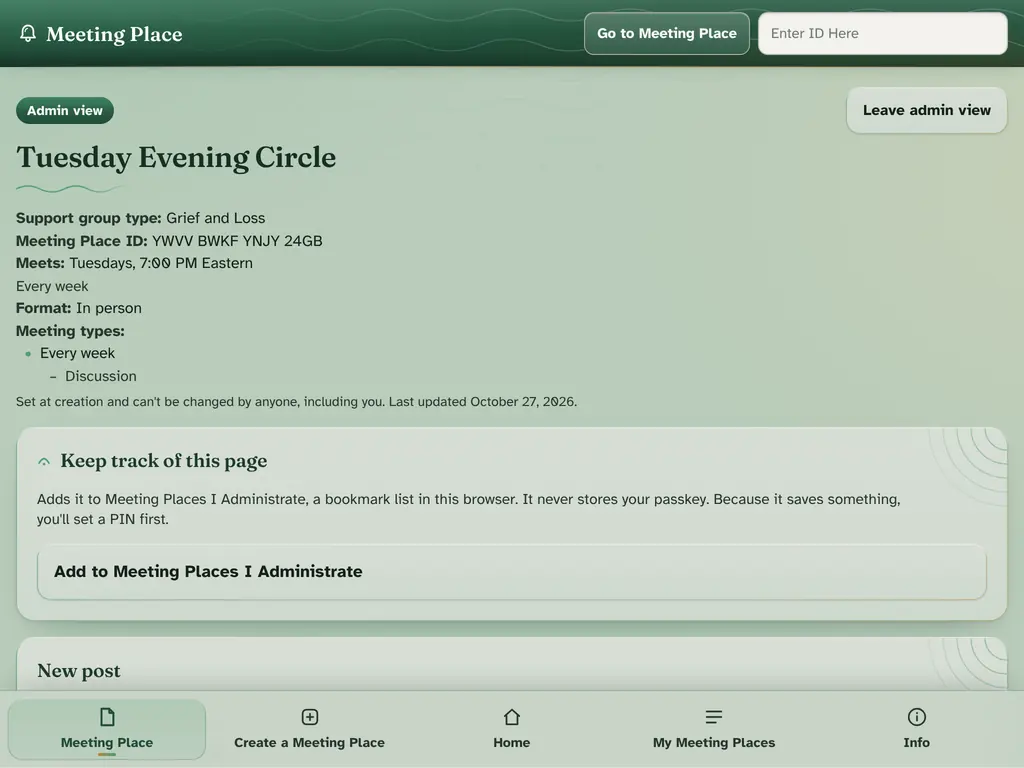
The admin passkey is made with the page and shown only once. It cannot be sent, made again or reset. Five wrong passkey entries within 24 hours lock passkey entry for that page for 24 hours.
My Meeting Places
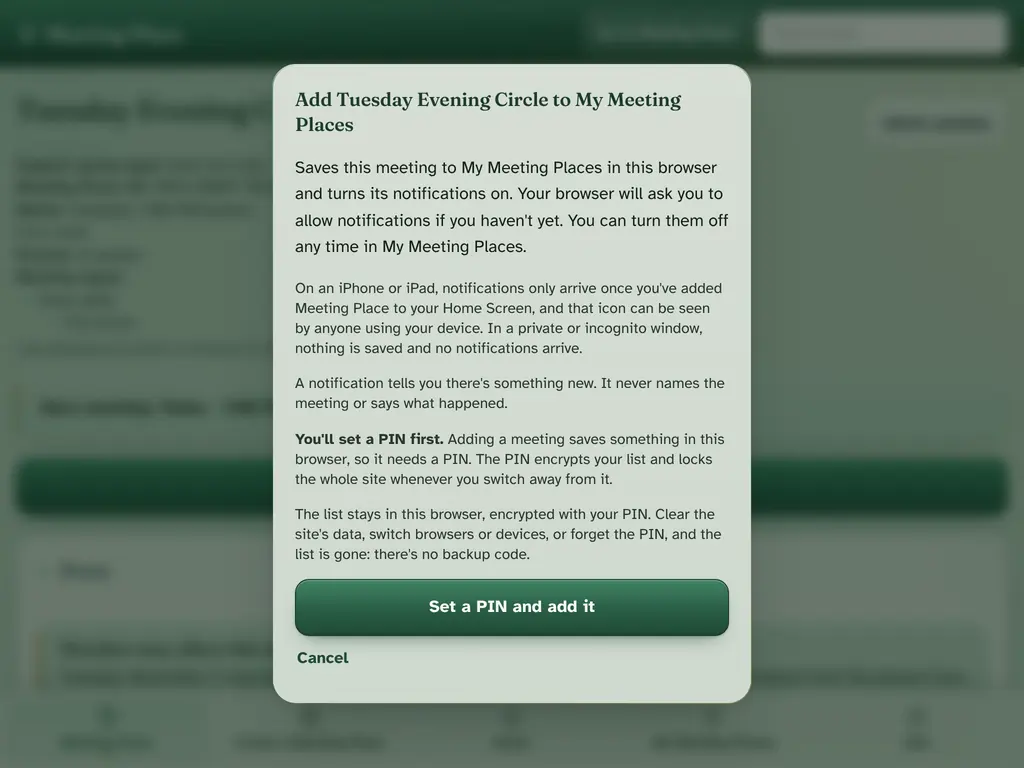
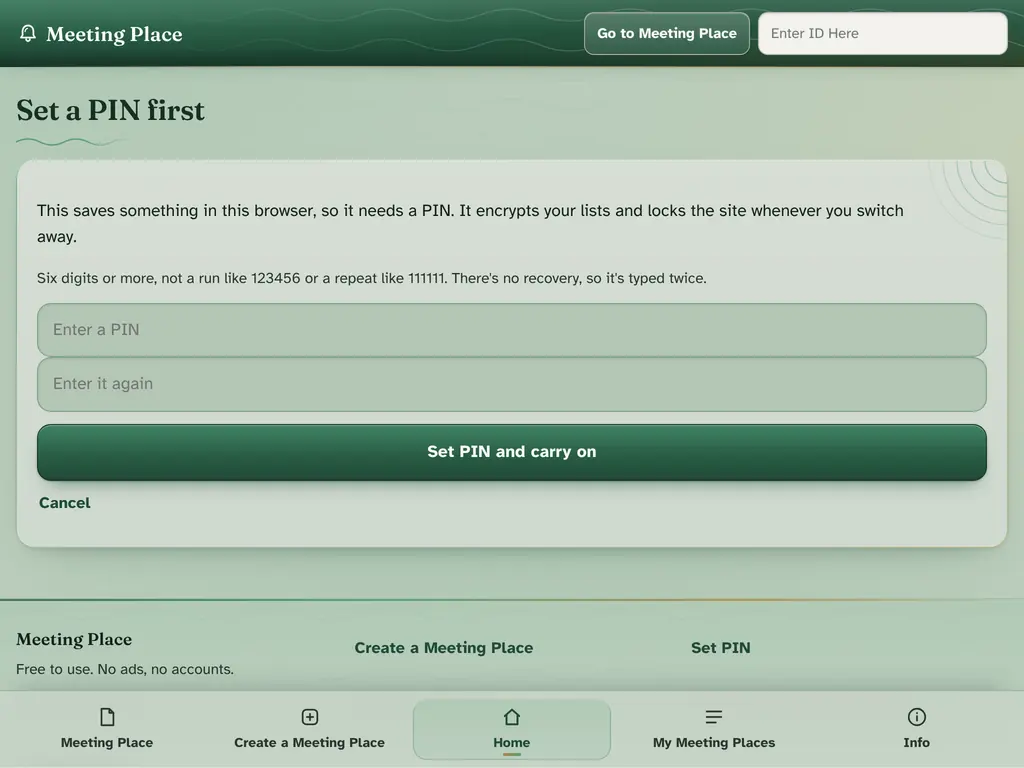
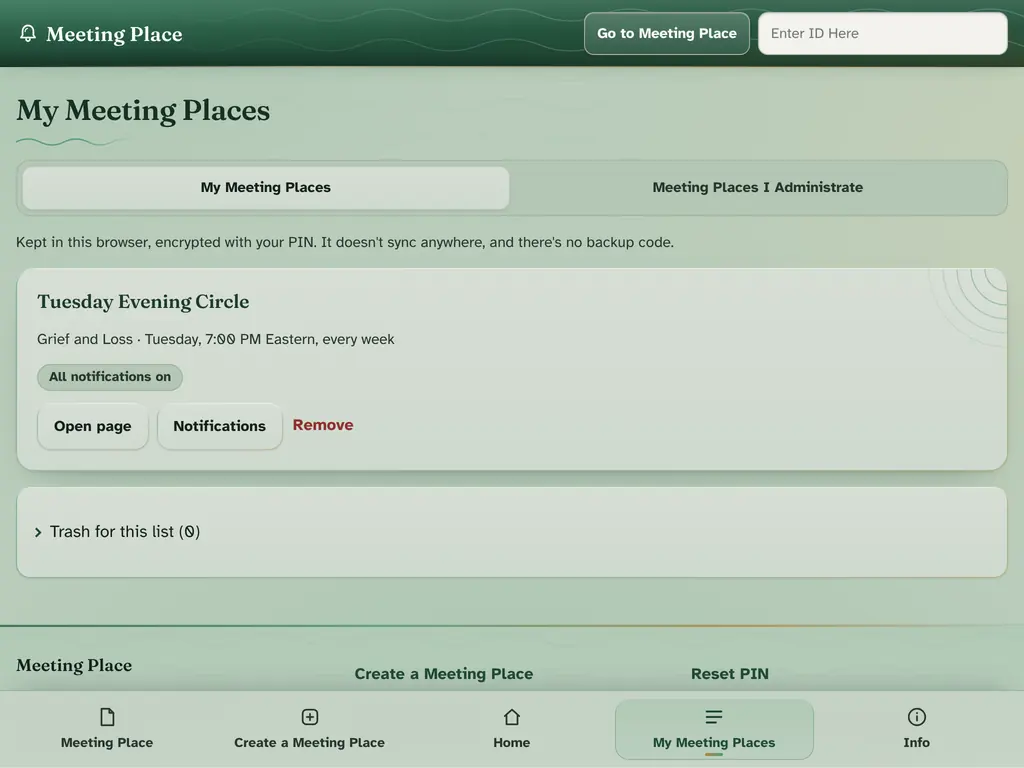
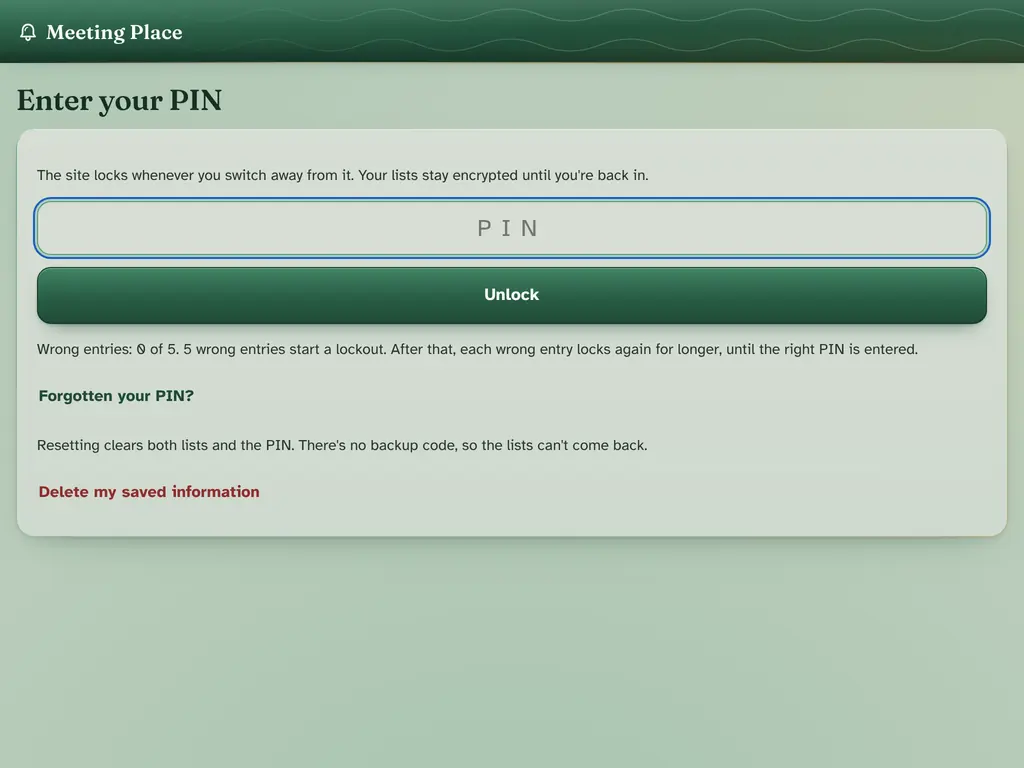
Members save meetings to a list kept only in their browser, locked with a PIN of six or more digits. There is, by design, no backup or sync. Once a PIN is set, the site locks when you switch away.
Members choose which kinds of notice to hear about, meeting by meeting. A notification never names the meeting or says what it is about.
Share, help and themes
A share page offers the meeting's QR code and details, and a flyer to print.
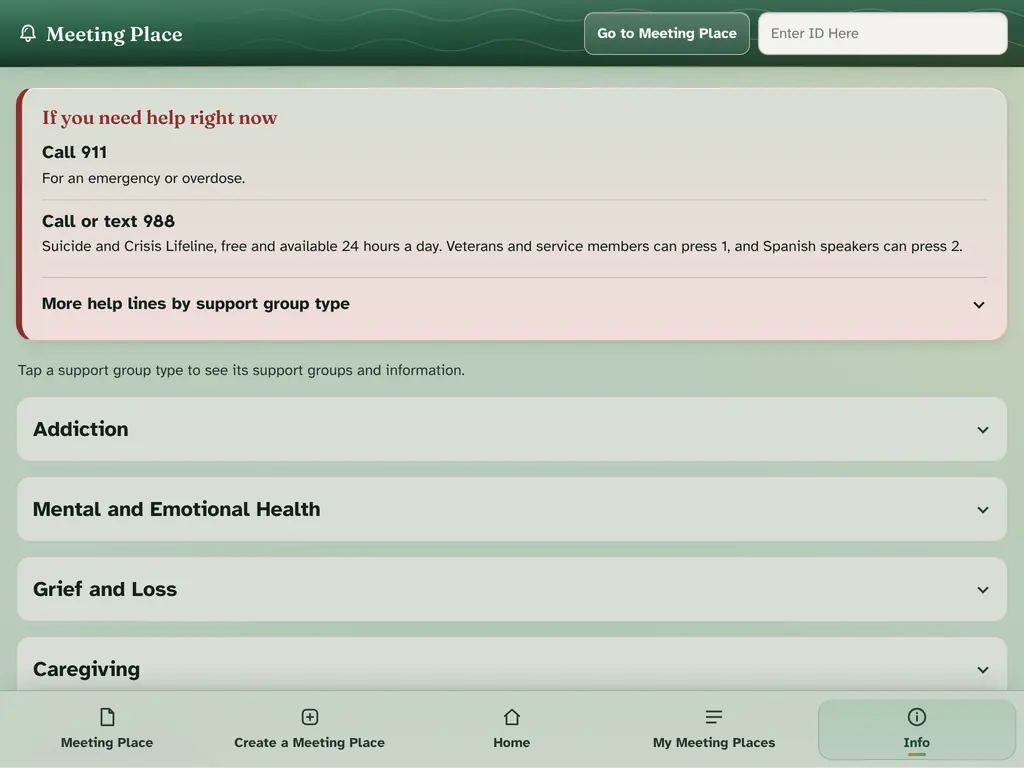
911 for an emergency and 988 for the Suicide and Crisis Lifeline are always shown, along with help lines for each support group type.
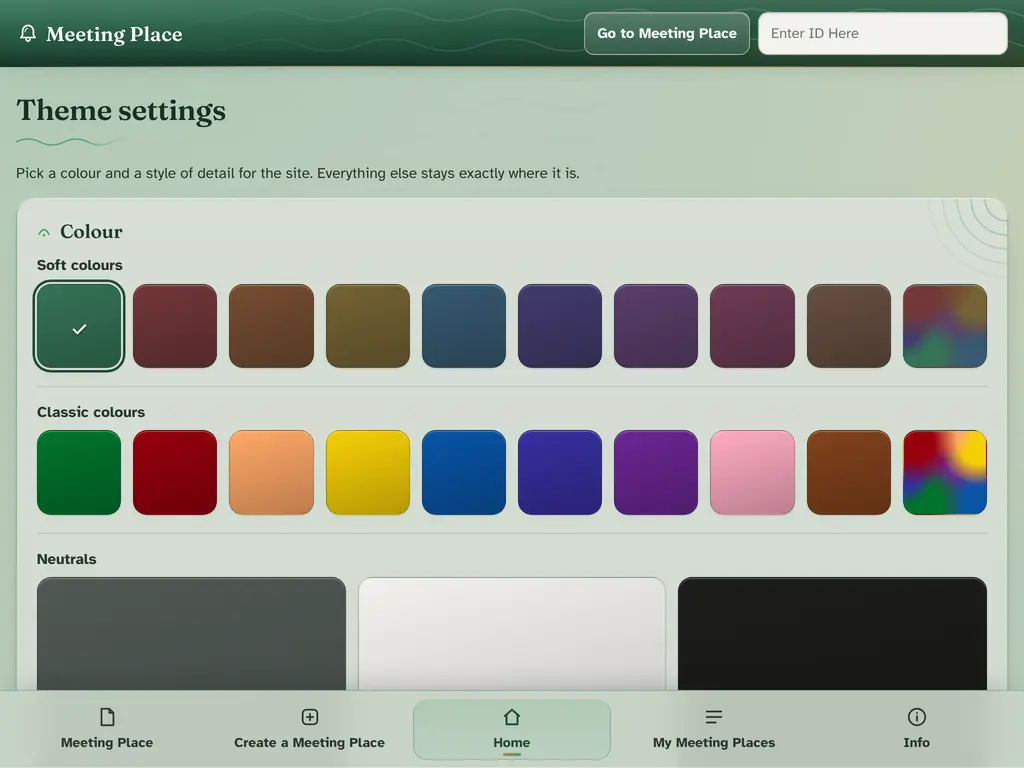
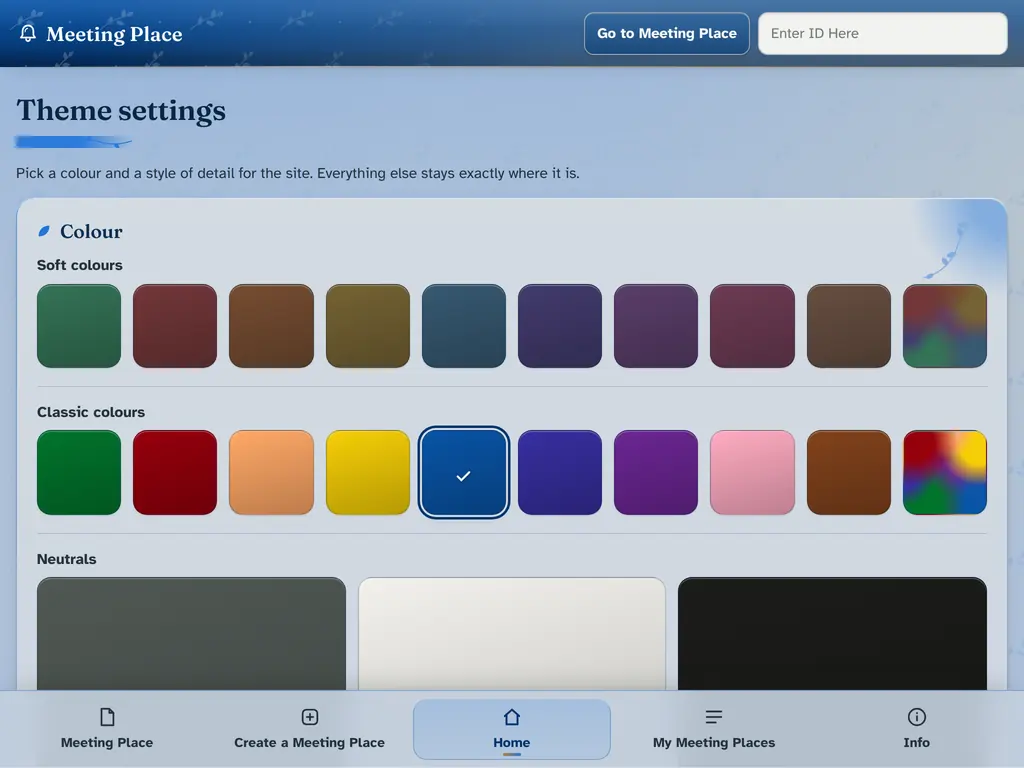
Twenty colors, plus the original green, two rainbows and Multicolor, and thirteen styles of detail.